Website guide

What should a dental practice website include?

A useful dental practice website does more than list treatments. It helps a prospective patient decide whether the practice is relevant, trustworthy and easy to contact without making them hunt for basic information. This checklist covers the content, structure, technical foundations and review process a UK dental website needs.

  • Patient-first page and navigation checklist
  • Treatment, team and local trust content
  • Mobile, accessibility and performance essentials

No payment to enquire · Preview before launch · Written proposal after a short conversation

windsordevelopments.uk
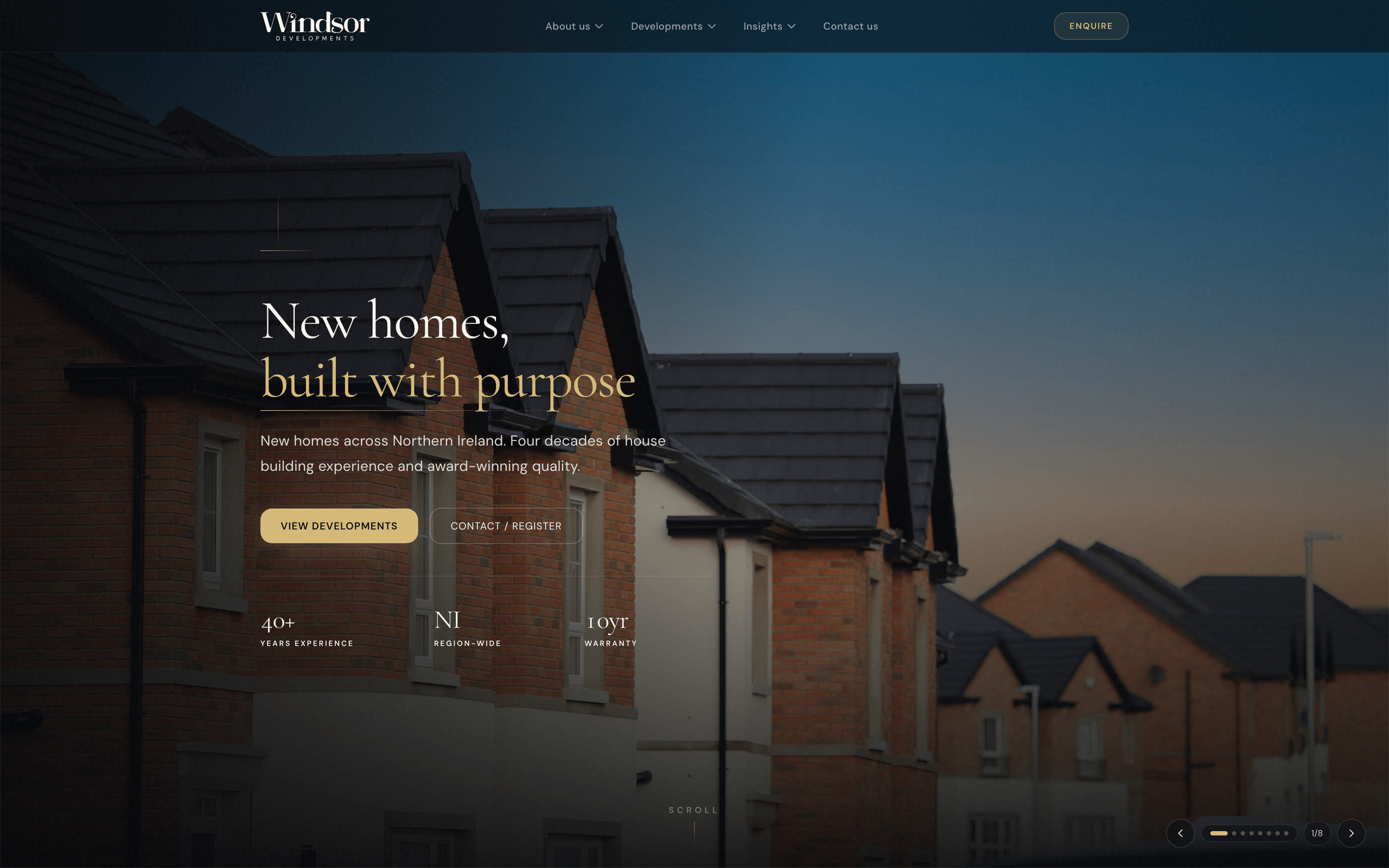
Windsor Developments website preview

1. A homepage that identifies the practice in seconds

The first screen should state the practice name or type, main location and the clearest next action. Avoid opening with a vague slogan that could belong to any healthcare business. Patients should be able to find treatments, contact details and important availability information immediately.

Use a small number of patient routes rather than a grid of every possible service. Emergency, new-patient, routine and private-treatment routes may be more useful than a long alphabetical list. Keep the main phone or enquiry action visible on mobile and repeat it at natural decision points.

  • Practice type and location
  • Short, specific value statement
  • Primary contact or booking action
  • Routes for the most common patient needs
  • Current availability wording approved by the practice

2. Treatment pages with a clear, repeatable structure

Each important treatment deserves an original page when the practice genuinely provides it and can maintain accurate information. Explain who the service may be relevant for, what the consultation or first step involves, what patients commonly ask and how to discuss suitability with the practice. Do not copy a manufacturer description and add a town name.

Use plain language first and clinical terminology where it helps accuracy. The practice should supply or approve statements about outcomes, suitability, risks, fees and clinician expertise. Include a named review date so old information can be checked rather than silently ageing for years.

3. Team profiles and evidence that can be verified

People want to know who may treat them. Useful profiles include the clinician's role, supplied qualifications, areas of practice and a human introduction. Registration details or professional memberships should only be shown when the practice has verified them and can keep them current.

Real photographs of the team and premises are more informative than generic stock images. Add authentic patient feedback only where the practice has permission and a suitable process for publication. Avoid invented awards, anonymous claims and inflated case-study numbers: honest evidence is more persuasive.

4. Practical information that removes uncertainty

The contact area should include the correct address, phone number, opening hours and a map or directions. Add parking, public transport and physical-access information where available. If different services operate at different times or locations, state that plainly.

Explain how new-patient, emergency, NHS and private enquiries are handled where relevant. This wording changes, so assign a person at the practice to own it. Consistent practice details should also be used on the Google Business Profile and trusted directory listings.

5. Short forms and sensible booking hand-offs

A general website enquiry form should ask only for what the team needs to respond, such as name, contact details and a brief reason for contact. It should not invite detailed clinical history. Explain how the information will be used and provide another contact route for urgent or sensitive matters.

If the practice already uses an online booking provider, link or integrate it with a clear hand-off and test the complete mobile journey. Keep confirmation messages useful: tell the patient whether the request is an appointment, a callback or an enquiry awaiting review.

6. Mobile speed, accessibility and resilient basics

Use properly sized images, readable contrast, visible keyboard focus, labelled fields and logical headings. Essential text should render without waiting for animation. Test the site at narrow widths and on slower mobile connections, not only on a designer's desktop.

Hosting, SSL, backups and form delivery need clear ownership. Before launch, submit every form, test phone and booking links, check important pages without a mouse and confirm that privacy and cookie controls match the analytics actually in use.

7. Local SEO based on the real practice location

Build the strongest page for the place where the practice actually operates. Include useful local detail and keep the name, address and phone number consistent. Create extra location pages only when there is a genuine clinic, distinct service information and evidence to make the page useful on its own.

Link treatment pages from relevant patient guides and link those guides back to the main commercial page. That creates a coherent subject area without making several pages compete for the same intent. Measure impressions, clicks and enquiries at page level so decisions use evidence rather than rank-checking one favourite phrase.

8. A publishing and review process after launch

Record who approves clinical content, practice details and privacy wording. Review high-value pages whenever services, clinicians, booking providers or availability change, and set a routine review date for everything else. Remove claims that can no longer be supported.

Use enquiry feedback to improve content. If patients repeatedly misunderstand a service or reception keeps answering the same question, update the relevant page. A dental website becomes more valuable when it is treated as an operating resource rather than a one-off design project.

Working together

A proposal, not a rate card.

Every project is scoped after a short conversation. We then send a written proposal covering design, build, hosting and support - with no obligation to proceed.

  1. 01

    Conversation

    Tell us about the business, the site you need, and what success looks like. A few sentences is enough to start.

  2. 02

    Written proposal

    We come back with scope, timeline and commercial terms in writing. No work starts until you are happy to proceed.

  3. 03

    Build and preview

    We design and develop a private preview. You review it on phone and desktop before anything goes live.

Engagements

Typical ways we work

Most projects fall into one of these. We will recommend the right shape after we understand the work - and confirm everything in writing before we begin.

  • 01

    New website

    A complete site designed around how you sell - structure, design, build, hosting and support.

  • 02

    Redesign

    Keep the content that still works. Rebuild layout, speed, mobile and enquiry paths so the site earns trust again.

  • 03

    Ongoing partnership

    Hosting, SSL, monitoring, backups, updates and improvements after launch, so the site stays current as the business grows.

Typically included

What a website engagement covers

  • Design and development
  • Hosting and SSL
  • Uptime and form monitoring
  • Backups and security updates
  • Mobile-first layout
  • Enquiry paths and contact forms
  • Basic SEO setup
  • Private preview before launch
  • Support after go-live

Ecommerce, portals, booking systems and complex integrations are scoped separately when they are the right fit. You will see exactly what is in - and out - before any work starts.

Free website review

Send a few details and CH Digital will recommend the best next step.

No payment to enquire. Clear advice on scope and next steps.

Prefer to speak first?

07356 260665 · hello@chdigital.io

FAQ

Common questions

Straight answers on how we work, what's included, and how a project starts.

There is no ideal number. Build pages for genuine treatments, patient routes and practice information that can be maintained accurately. A smaller useful site is stronger than dozens of repetitive pages.

Turn the checklist into a clear dental website brief

Tell us about your practice, current site and priorities. We will scope the work and send a written proposal—there is no payment required to enquire.

No payment to enquire · Clear advice · No pressure to proceed